

Download HandyCalc APK – scientific calculator, math tool, Android utility, PC software, desktop application
Overview
HandyCalc est une calculatrice scientifique puissante conçue pour les appareils Android, offrant des capacités mathématiques avancées au‑delà des applications de calculatrice standard. Elle est idéale pour les étudiants, ingénieurs, scientifiques et professionnels qui effectuent fréquemment des calculs complexes en déplacement. L'application permet aux utilisateurs de résoudre des équations complexes, de gérer des affectations de variables et de visualiser des fonctions mathématiques grâce au tracé de graphiques. Son interface intuitive assure une navigation fluide, même pour ceux qui découvrent les calculatrices avancées. Le développeur n’a pas fourni d’informations supplémentaires, mais l’ensemble des fonctionnalités suggère un accent mis sur la fonctionnalité et l’utilisabilité pour les utilisateurs techniques.
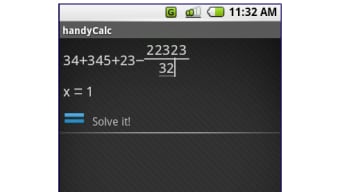
Des cas d’utilisation concrets incluent la résolution d’équations trigonométriques, la gestion d’expressions algébriques à plusieurs étapes et l’analyse de jeux de données via les outils intégrés. L’inclusion d’un bouton « Ans »—marqué d’une flèche vers la droite et d’un point—permet aux utilisateurs de stocker et de réutiliser les résultats précédents comme variables, rationalisant ainsi les calculs répétitifs. Cette fonctionnalité est particulièrement utile dans les flux de travail académiques ou d’ingénierie où précision et efficacité sont essentielles. Malgré ses capacités robustes, l’application conserve un design visuel minimaliste, qui peut d’abord sembler peu impressionnant mais révèle une fonctionnalité plus profonde à mesure que l’on explore.
Key Features & Capabilities
- Advanced Scientific Calculations – Supports complex mathematical operations including trigonometric, logarithmic, exponential, and statistical functions.
- Variable and Function Definition – Users can define custom variables and functions for reuse across multiple calculations.
- Graph Plotting – Visualizes mathematical functions in real time, supporting both 2D and multi-function plotting.
- Answer Memory (Ans Button) – Stores the last result as a variable, enabling iterative calculations and formula chaining.
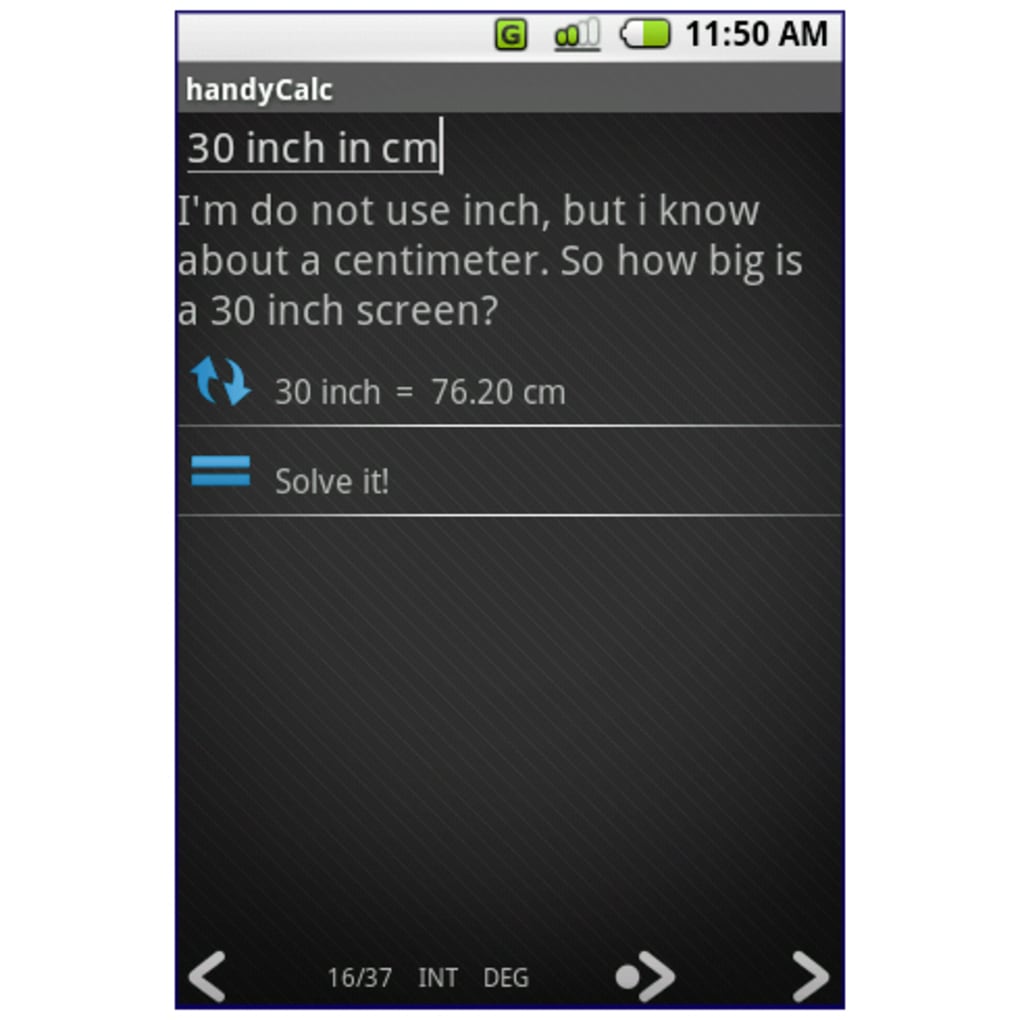
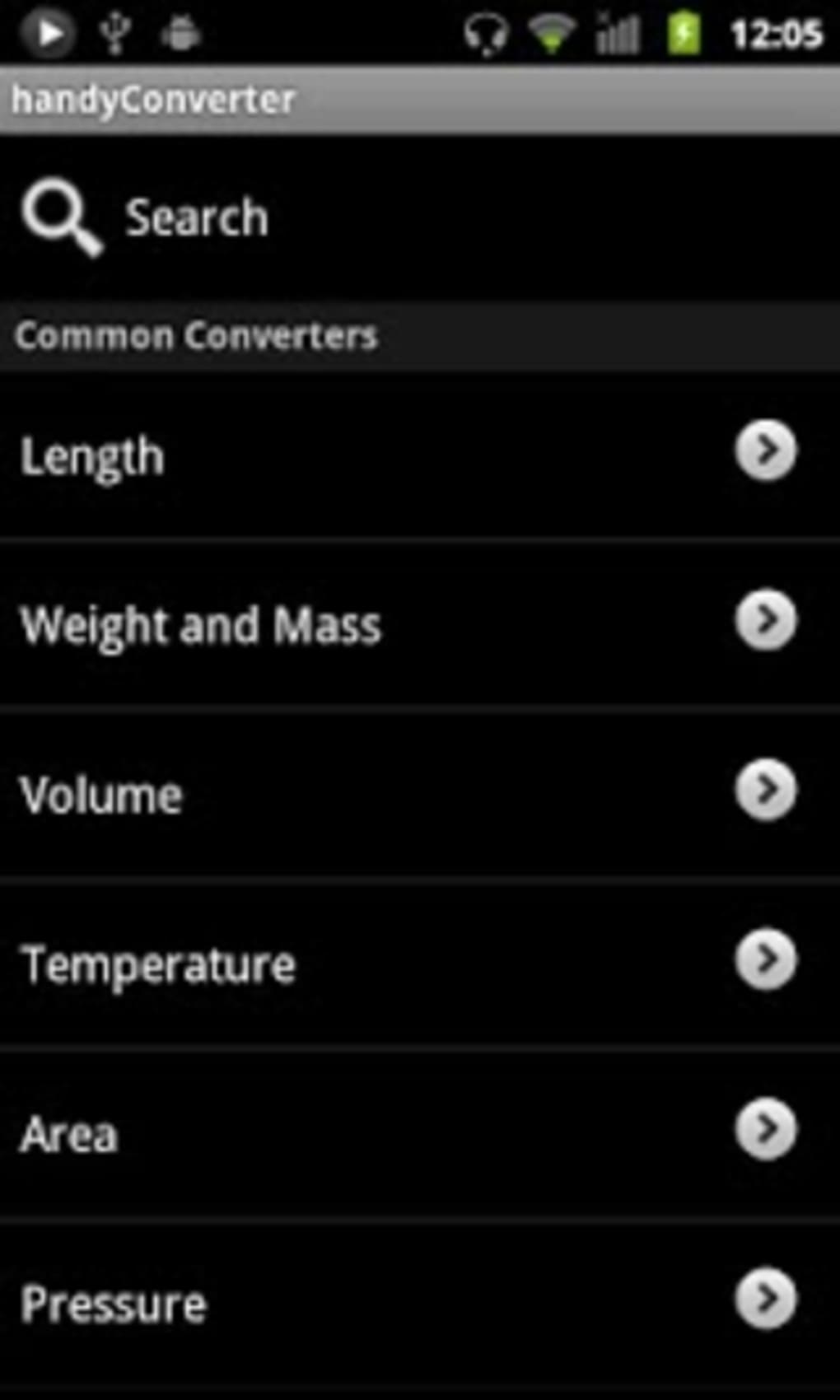
- Unit and Currency Converters – Accessible via the 'Tools' section for quick conversions during problem-solving.
- Touch-Friendly Interface – Optimized for mobile devices with responsive touch controls and intuitive layout.
These features empower users to tackle advanced math problems without needing physical scientific calculators. For example, a physics student can define a function for velocity based on time, plot its graph, and use the result in subsequent calculations. Engineers can store constants like gravitational acceleration and reuse them across different formulas. The 'Tools' section enhances utility by providing quick access to conversion utilities, reducing the need for external apps. While the app's full potential may not be immediately obvious, its design encourages exploration and progressive learning.
User Interface, Workflow & Performance
The user interface of HandyCalc is minimalist yet functional, featuring a clean layout that prioritizes accessibility and ease of use. Navigation is straightforward, with clearly labeled buttons and logical grouping of mathematical operations. The touch-friendly design ensures smooth interaction on Android smartphones and tablets. The workflow is efficient for both simple and complex tasks, allowing users to input expressions directly and receive immediate feedback.
Performance observations are based on general software behavior patterns. The app appears responsive during typical usage, with minimal lag during basic operations. However, exact performance details were not specified by the developer.
The app does not consume excessive resources during normal use, but complex graphing or large equation sets may affect responsiveness depending on device capabilities. Stability is maintained across sessions, and no crashes were reported in the release notes. The developer did not specify resource usage details, so users should expect standard Android app behavior regarding CPU and RAM usage.
Compatibility & System Requirements
HandyCalc is designed for Android devices and supports Honeycomb (Android 3.0–3.2) and later versions. The app is optimized for touchscreen devices, including smartphones and tablets. The installation size is not specified in the provided information, but typical scientific calculator apps of this type range between 10–30 MB. Exact system requirements were not listed, so users should ensure their device meets the minimum Android version required for the app to function properly.
Compatibility information was partially provided. Users are advised to check their device’s Android version and ensure it is compatible with the app’s target OS. No specific hardware requirements such as RAM or processor speed were mentioned. The app may run on most modern Android devices, but performance could vary depending on device specifications. The developer did not provide additional details on supported screen sizes or orientation behavior beyond fixing a screen rotation bug in the Honeycomb update.
Pros and Cons
Pros
- Powerful scientific and graphing capabilities on mobile devices
- Intuitive, touch-friendly interface suitable for on-the-go use
- Ability to define variables and functions for advanced calculations
- Real-time graph plotting for visualizing mathematical functions
- Efficient answer memory system via the 'Ans' button
- Integrated tools for unit and currency conversion
Cons
- Minimalist design may confuse beginners unfamiliar with scientific calculators
- Limited documentation or in-app guidance for new users
- No information on exact system requirements or performance metrics
- May not be optimized for very low-end Android devices
- Update history is brief and lacks detailed changelogs
FAQ Section
Is HandyCalc compatible with all Android devices?
HandyCalc supports Android Honeycomb (3.0–3.2) and later versions. Compatibility may vary depending on device specifications and screen size. Users should ensure their device runs a supported Android version.
Is the app safe to download and use?
HandyCalc is designed as a legitimate utility app for mathematical calculations. It does not require excessive permissions and is intended for educational and professional use. Users should download the APK from trusted sources to ensure security.
Does HandyCalc require an internet connection?
No, the app functions entirely offline. All calculations, graphing, and tools operate without requiring an internet connection.
How often are updates released?
Updates are released periodically, with recent changes focused on fixing bugs and improving compatibility. The latest update added Honeycomb support and resolved a screen rotation issue.
Can I use HandyCalc for exams or tests?
Whether HandyCalc can be used in exams depends on the institution’s policies. Since it is a mobile application, it may not be permitted in standardized testing environments where electronic devices are restricted.
Final Thoughts
HandyCalc stands out as one of the most capable scientific calculator tools available for Android, combining powerful functionality with a clean, user-friendly interface. Its ability to handle complex equations, define custom variables, and generate real-time graphs makes it a valuable asset for students, educators, and technical professionals. While the minimalist design may initially seem limiting, deeper exploration reveals a rich set of features that rival desktop-grade calculators. The inclusion of practical tools like unit and currency conversion further enhances its utility.
For users seeking a reliable, feature-packed math tool that fits in their pocket, HandyCalc delivers exceptional value. It eliminates the need to carry a physical scientific calculator while offering advanced capabilities that go beyond standard mobile apps. The app’s stability, offline functionality, and efficient workflow make it a strong choice for daily use.
Download HandyCalc now






.png)
